
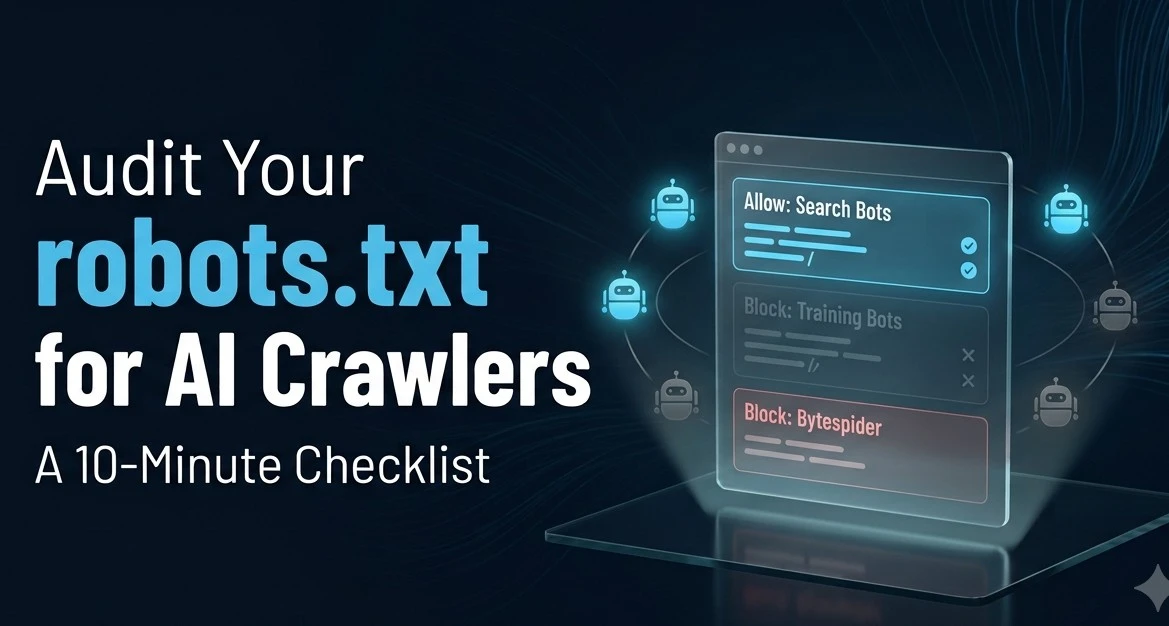
Your robots.txt file is probably three years out of date. Not broken, exactly. Not causing any visible errors. Just quietly written for a world where GPTBot did not exist and PerplexityBot was not even a twinkle in anyone's eye. And if you have not touched it since 2023, there is a better-than-even chance it is blocking crawlers that decide whether your content shows up in ChatGPT, Perplexity, or Google AI Overviews.
The kicker: you would never know. No error message. No traffic drop that flags cleanly in GA4. Just a slow invisible fade from AI-generated answers, happening one blocked bot at a time.
What Is a Robots.txt AI Crawler Audit?
A robots.txt AI crawler audit is a check of whether your site's crawler instructions are accidentally excluding the bots that power AI search citations. The file lives at yourdomain.com/robots.txt and tells every crawler on the internet what it can and cannot read. The directives you wrote for Googlebot in 2021 have nothing to do with GPTBot, OAI-SearchBot, ClaudeBot, or PerplexityBot, which did not exist yet. Those crawlers need their own explicit rules, and most sites do not have them.
The CapstonAI Q1 2026 audit of B2B sites found that 41% are still blocking at least one major AI bot, usually a leftover from the 2023 "block everything as a precaution" panic. Each blocked search bot costs an estimated 18 to 34% of potential AI citations on that engine. Sites that unblocked GPTBot, PerplexityBot, and ClaudeBot together in Q4 2025 saw 186% more AI-attributed traffic within 90 days. That is not a typo. That is the value of a file nobody thought to update.
The Critical Distinction Nobody Explains Clearly Enough
Before you touch anything, get this distinction straight, because confusing these two will either give away your content for free or cut you off from AI citations entirely.
There are two separate bot families per AI provider. Training bots fetch your content to train future models; they do not cite you or send traffic; they just consume your writing. Search bots fetch your content in real time to build AI answers that can cite your site and send buyers your way. Blocking the search bot removes you from AI citations. Blocking the training bot protects your content from being ingested into model weights. They are different user-agents and need separate directives.
OpenAI has three: GPTBot (training), OAI-SearchBot (search index), and ChatGPT-User (live user-triggered fetch). Blocking GPTBot does nothing to ChatGPT search citations. Blocking OAI-SearchBot removes you from ChatGPT search entirely. These are not the same thing, and a lot of B2B marketing teams are blocking the wrong one.
The same pattern holds for Anthropic: ClaudeBot is the training crawler, Claude-SearchBot and Claude-User are the search and live-fetch bots. For Perplexity: PerplexityBot is the main search crawler, Perplexity-User is user-triggered.
The Ten-Minute Checklist
Open yourdomain.com/robots.txt in a browser right now. Then work through this list.
- Step 1: Search for these strings one at a time. GPTBot, OAI-SearchBot, ChatGPT-User, ClaudeBot, Claude-SearchBot, Claude-User, PerplexityBot, Perplexity-User, Google-Extended, CCBot, Bytespider. Any "Disallow: /" under a search bot name means you are invisible on that platform. Document exactly what you find before changing anything.
- Step 2: Decide your stance on training versus search. For most B2B technology companies, the right call is to allow the search and citation bots and make a deliberate decision about training bots. Blocking OAI-SearchBot because you were nervous about GPTBot is the single most common mistake in this audit. If your content is a marketing asset, not a proprietary research product, there is usually no good business reason to block citation bots.
- Step 3: Add explicit allow directives for search bots. The configuration that covers the major platforms looks like this, and you can paste it directly into your robots.txt above your existing rules:
User-agent: OAI-SearchBot
Allow: /
User-agent: ChatGPT-User
Allow: /
User-agent: Claude-SearchBot
Allow: /
User-agent: Claude-User
Allow: /
User-agent: PerplexityBot
Allow: /
- Step 4: Block Bytespider regardless. Bytespider is ByteDance's crawler and, per HAProxy's 2024 analysis, accounts for nearly 90% of AI crawler traffic on many publisher networks while routinely ignoring disallow rules. It also sends essentially zero referral traffic. Block it in robots.txt and add a server-level rule if you have access, because the robots.txt block alone will not reliably stop it.
- Step 5: Keep sensitive paths blocked for every bot. Admin panels, checkout flows, account pages, and search result pages should stay blocked for all crawlers, including AI ones. The goal is to open marketing content and close operational paths.
- Step 6: Add your sitemap reference if it is missing. A Sitemap: https://yourdomain.com/sitemap.xml line at the bottom of robots.txt helps all crawlers, including AI ones, find your content more efficiently. A shocking number of robots.txt files are missing this line.
The Two Traps That Catch B2B Teams
The first trap is assuming the wildcard rule covers everything. A "User-agent: *" directive sets a default for unrecognized crawlers, but many AI bots are explicitly named and may override your wildcard if you have conflicting rules above it. Named bots take precedence over wildcard rules in most crawler implementations. If you blocked GPTBot by name and also set "User-agent: * Allow: /," do not assume the Allow wins.
The second trap is CDN rules you forgot you set. Cloudflare, Fastly, and other CDN providers have their own bot management layers that can block AI crawlers regardless of what your robots.txt says. A site that looks wide open in robots.txt can still be returning 403s to every AI crawler because a CDN security rule from two years ago is catching their IP ranges. If you updated your robots.txt and still do not see AI citations improving, check your CDN configuration next.
One More Thing Worth Knowing
Fixing your robots.txt is table stakes. It removes the blocker. It does not create the citation. A page with the door open but nothing worth reading inside does not get cited by ChatGPT. The next step after the audit is making sure the content that AI crawlers can now reach is actually structured to earn a citation, with direct answer-first sentences, specific verifiable data, and question-based headings that match what buyers are actually asking. The robots.txt audit gets you into the game. Content quality is what keeps you there.
Frequently Asked Questions
What is a robots.txt AI crawler audit for B2B websites?
A robots.txt AI crawler audit checks whether a site's crawler instruction file is accidentally blocking the bots that power AI search citations from ChatGPT, Perplexity, Google AI Overviews, and Claude. Because most robots.txt files were last updated before AI crawlers existed, they often contain no directives for search bots like OAI-SearchBot, Claude-SearchBot, or PerplexityBot, leaving those bots either blocked by a catchall rule or lacking explicit permission that would help them index the site properly.
What is the difference between GPTBot and OAI-SearchBot?
GPTBot is OpenAI's training crawler, which fetches public web content to help train future GPT model weights. OAI-SearchBot is a separate bot that indexes content for ChatGPT's live search results. Blocking GPTBot does nothing to ChatGPT search answers. Blocking OAI-SearchBot removes your content from ChatGPT search citations entirely. They require separate robots.txt directives and must be handled independently.
Should B2B companies allow AI training crawlers or just search bots?
For most B2B technology companies, the right default is to allow search and citation bots explicitly and make a deliberate, considered decision about training bots separately. Blocking search bots like OAI-SearchBot, Claude-SearchBot, and PerplexityBot costs 18 to 34% of potential AI citations per blocked engine, per CapstonAI research. Whether to block training bots depends on whether your marketing content is something you want to protect from model training or something you want as widely known as possible.
Why might robots.txt changes not fix AI citation problems immediately?
Robots.txt changes take effect on the next crawl of that file, but AI crawlers run on their own schedules and may not revisit the file immediately. More importantly, a corrected robots.txt removes a blocker but does not create a citation. Pages that AI crawlers can now access still need answer-first content, specific data, and question-based headings to actually earn citations in AI-generated answers. The audit is the prerequisite; content quality is what converts access into citations.
What should always stay blocked in robots.txt even for AI crawlers?
Admin panels, checkout flows, account pages, user-generated content with privacy considerations, and dynamic search result pages should stay blocked for all crawlers, including AI ones. The goal is to allow AI crawlers to read marketing and content pages while keeping operational and private paths closed.
References
CapstonAI, Robots.txt for AI Bots: Complete 2026 Guide, Q1 2026 cohort audit, 41% blocking rate, 186% traffic lift data: https://capston.ai/robots-txt-for-ai-bots/
Anagram, AI Crawlers Explained: GPTBot, ClaudeBot, PerplexityBot and How to Let Them In 2026, AI search visit growth 42.8% YoY: https://www.anagram.ai/blog/ai-crawlers-explained-gptbot-claudebot-perplexitybot-and-how-to-let-them-in-2026
Soar, AI Bots Robots.txt Guide: GPTBot, ClaudeBot, PerplexityBot, Bytespider behavior and HAProxy analysis: https://www.soar.sh/blog/ai-bots-robots-txt-guide
Alice Labs, AI Crawler Management: GPTBot, ClaudeBot and PerplexityBot 2026, training versus search bot distinction: https://alicelabs.ai/en/insights/ai-crawler-management
CapConvert, Robots.txt for AI Crawlers: Rutgers and Wharton publisher blocking research, December 2025: https://www.capconvert.com/learn/blog/robots-txt-for-ai-crawlers-how-to-configure-access-for-gptbot-claudebot-and-perp


