
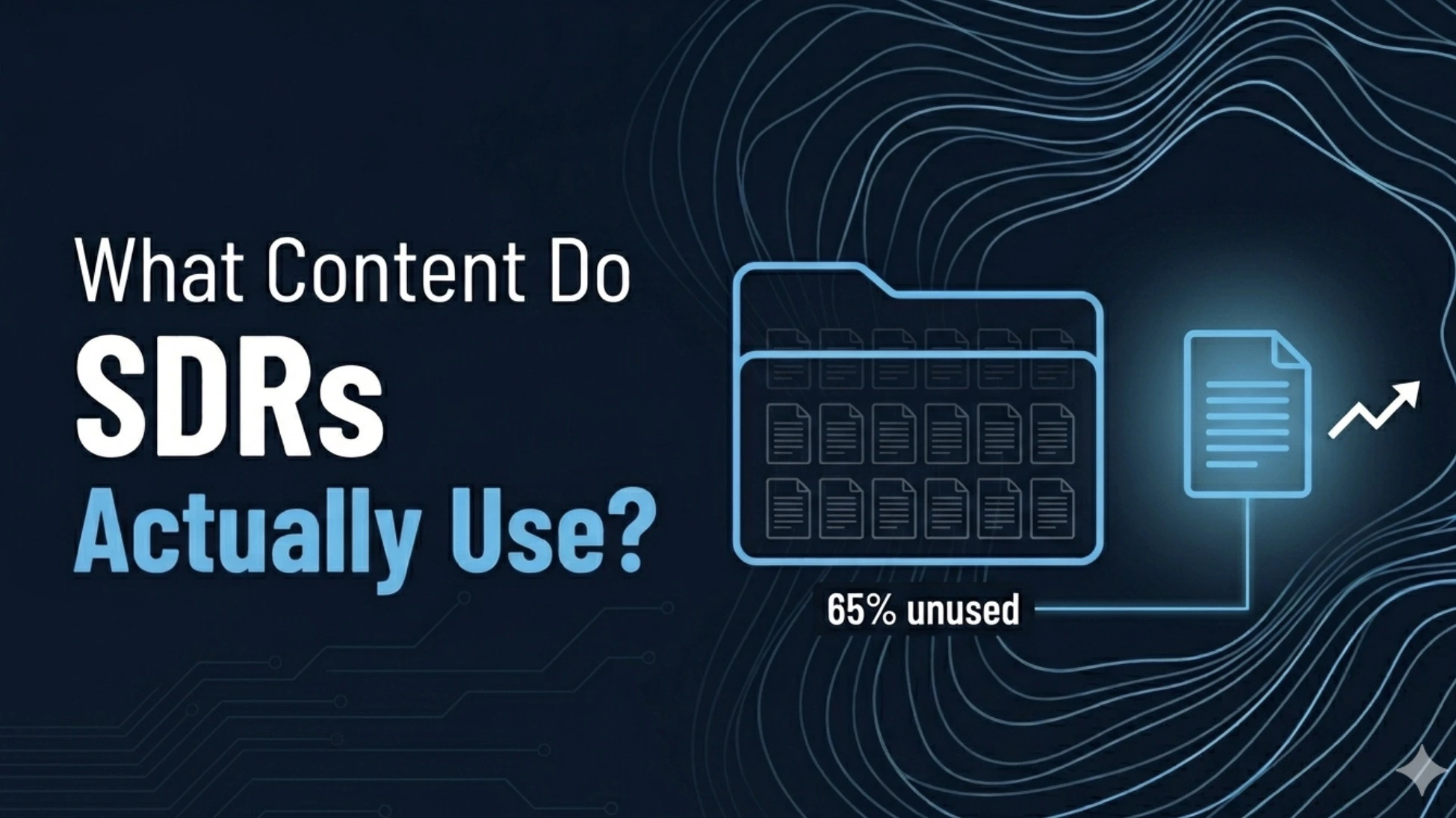
Let's deal with the number first, because it's the whole story. 65% of marketing content goes unused by sales. Some Forrester clients report over 80% after an internal audit. This number has held steady for more than a decade. Not improving, not getting worse, just sitting there, stable, while everyone keeps producing more content anyway. If you're in marketing and that number doesn't bother you, it should. If you're in sales and it doesn't surprise you, that's the more honest reaction.
What Counts as Sales Enablement Content?
Sales enablement content is anything marketing builds specifically to help reps move a deal forward, such as battlecards, one-pagers, case studies, ROI calculators, demo videos, email templates, and objection-handling guides. The category is broad on purpose because reps need different things at different points in a deal. The problem isn't the category. The problem is that almost none of it gets opened.
Why Reps Don't Use It (And It's Not Laziness)
Here's the part that gets misread constantly. Marketing builds forty-seven pieces of content in a quarter. Reps open eleven. They share three with prospects. That's roughly a 6% share rate, and apparently that's considered normal. Normal is doing a lot of work here. The instinct is to read this as a rep problem. Reps are too busy, don't care, and don't read their Slack notifications. Some of that's true some of the time, sure. But here's the bigger issue: revenue teams burn around 440 hours a year just searching for or recreating content that's sitting somewhere in a shared drive nobody can find. 84% of sales execs say content search and utilization is their top productivity headache. So it's not that reps don't want the content. It's that finding it costs more than just winging it. If a rep can either spend ten minutes hunting through a content library for the right one-pager or just write a quick email themselves, they're going to write the email. Every time. That's not laziness, that's basic time management under a quota.
The Format That's Actually Working Right Now
If there's one format bucking the 65% trend, it's interactive product demos, the kind a prospect can click through themselves, at their own pace, instead of watching a recorded video or reading a static PDF. One example that's been making the rounds: Zapier saw a 70% increase in meetings booked when reps started using interactive demos as leave-behinds instead of static PDFs. Same sales motion, same reps, just a different artifact attached to the follow-up email. Seventy percent. Why does this format break the pattern? Three reasons, and they're worth sitting with because they apply to basically everything else, too. It's fast, under two minutes to get the point. It's easy to share; it's a link, not an attachment that triggers a security warning. And it's self-evident, the prospect doesn't need the rep to explain what they're looking at. Fast, shareable, self-evident. Write that down. We're coming back to it.
How Top Reps Actually Organize Content (Hint: Not By Type)
Here's the mismatch in one sentence: marketing organizes content libraries by format, battlecards in one folder, case studies in another, one-pagers somewhere else. Reps think in stages: discovery, demo, proposal, close. When the library is organized one way, and the rep's brain is organized the other way, every search is a translation problem, and translation problems are exactly the kind of thing that makes someone give up and write the email themselves. The fix here isn't complicated; it's just tedious to implement, which is probably why most teams haven't. Reorganize the library, or at least the way it's surfaced to reps, by sales stage instead of by content type. A rep in a discovery call shouldn't have to know whether the thing they need is called a "battlecard," or a "competitive one-pager," or a "comparison sheet." They should be able to go to "discovery" and find everything relevant to that stage, regardless of what marketing happened to name the file.
What "Good" Actually Looks Like, With Numbers
Forget vanity metrics, downloads, page views, none of that tells you whether content is doing its job. Here's a cleaner way to check: take a set of deals at the same stage, split them into "used this asset" and "didn't," and compare close rates. Real example of the math: 200 evaluation-stage deals used a security FAQ asset, and 60 of them closed, a 30% close rate. 200 similar deals didn't use it, and 46 closed, roughly 23%. That's a meaningful gap, and it's the kind of number that actually means something to a sales leader, because it's denominated in deals, not downloads. You don't need a perfect attribution model for this. You need consistent tracking and the discipline to report it as "directional" rather than gospel. But even directional numbers like this tell you more than "this PDF was downloaded 340 times," which tells you nothing about whether it changed a single outcome.
What To Actually Do About This
If you're staring down a content library with a 6% share rate, here's where I'd start, in order. First, don't make more content. I know that's the opposite of what usually happens when something "isn't working," but more content in a library that already has a findability problem just makes the findability problem worse. Pause production for two weeks. Won't kill anyone. Second, ask five reps, actual reps, not their managers, what they used in the last month and where they found it. You'll get a short list. That short list is your real content library. Everything else is, functionally, archived. Third, take that short list and reorganize it by sales stage, even if it's just a simple shared doc with stage headers and links. This is the unglamorous part, and it's also the part that actually moves the needle, because it directly attacks the "I can't find it, so I'll write it myself" problem. Fourth, for the next quarter, build new content only for gaps that show up in that stage-by-stage view, and build it in formats that are fast, shareable, and self-evident. Not because those words sound nice, but because that's literally the description of the one format category that's currently outperforming everything else. Sales enablement isn't a content problem. It's a content-plus-findability-plus-format problem, and two of those three things have nothing to do with writing more.
Frequently Asked Questions
Why is so much sales enablement content left unused?
The primary reason is findability, not quality. Content libraries are usually organized by format, battlecards, case studies, and one-pagers, while reps think in terms of sales stages. When a rep can't quickly find the right asset for where they are in a deal, they default to writing something themselves, which is faster even if the marketing-produced version might have been better.
What sales enablement formats actually get used?
Formats that are fast to consume, under two minutes, easy to share, a link rather than an attachment, and self-evident, meaning the prospect doesn't need the rep to explain it, see significantly higher usage. Interactive demos are the clearest current example, with one documented case showing a 70% increase in booked meetings when reps switched from static PDFs to interactive demos as leave-behinds.
How should a content library be organized for sales teams?
By sales stage, discovery, demo, proposal, and close, rather than by content type. Reps need to find what's relevant to where a deal currently is without first figuring out what marketing decided to call that type of asset. This single change addresses the most common reason reps say they can't find what they need.
How do you measure whether sales enablement content is actually working?
Compare close rates between deals at the same stage that used a specific asset versus deals that didn't, matched as closely as possible by segment and stage. Report the difference as directional rather than definitive causation, but this kind of comparison, denominated in actual deal outcomes, is far more useful than download counts or page views.
Should marketing produce more sales enablement content if adoption is already low?
No, not as a first step. Producing more content in a library that already has a findability or organization problem usually makes the problem worse, because it adds more noise for reps to search through. The better first move is auditing what's already there, finding out what the small number of actually-used assets have in common, and fixing organization and format before adding volume


